[00:00.00]Intro[Intro]Lyric video studio Web iPhone and Android soon
Your track asa lyric video.Every word,right on the beat.Your track as a lyric video.Every word, right on the beat.
Your track, your lyrics, your cover. Lyrmake turns them into an animated lyric video, synced and moving with the music, and exports it as MP4 up to 4K 60 fps.
In your browser. No account. Free 720p export, no watermark.
App Store · coming soonGoogle Play · coming soon

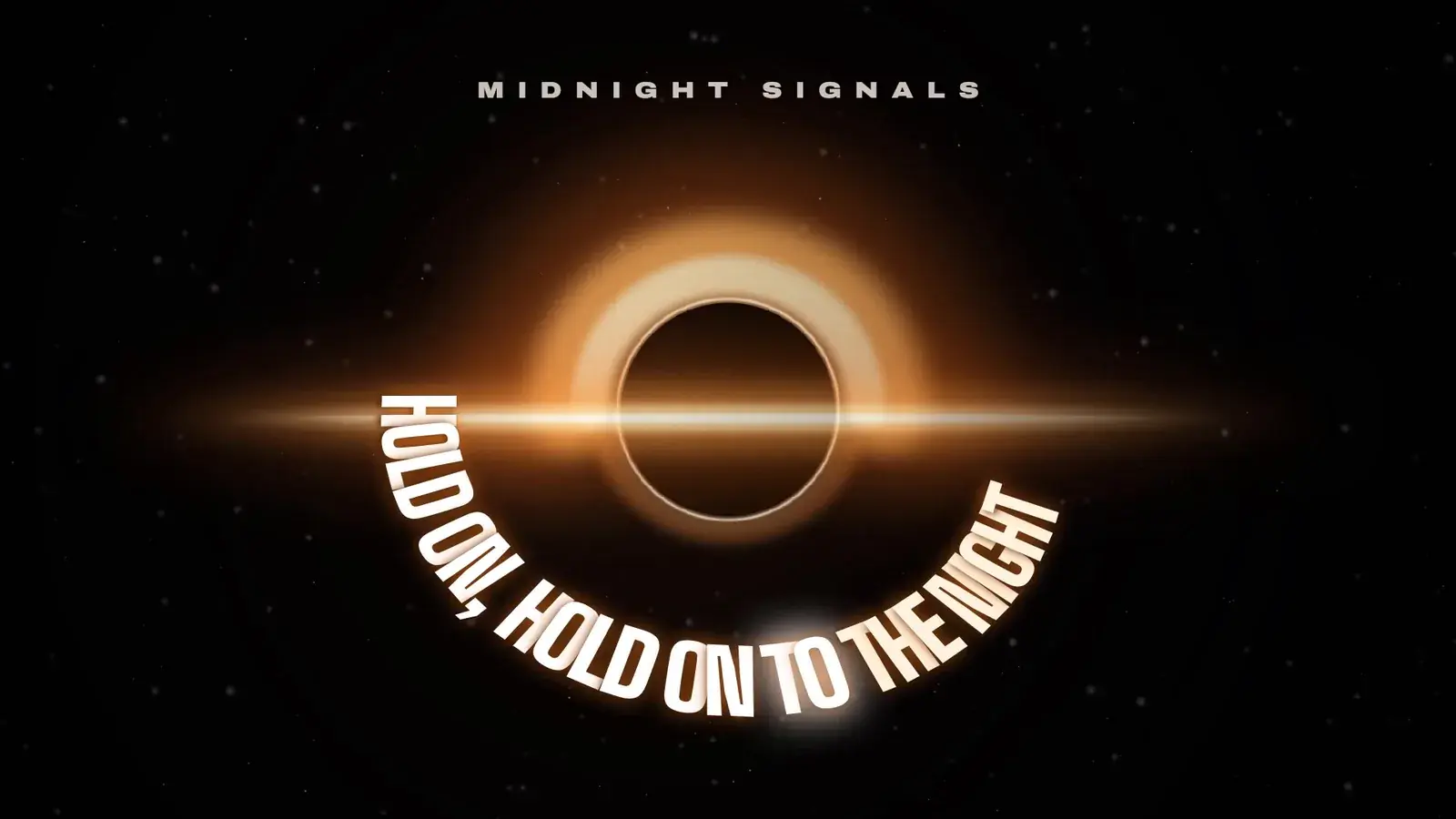
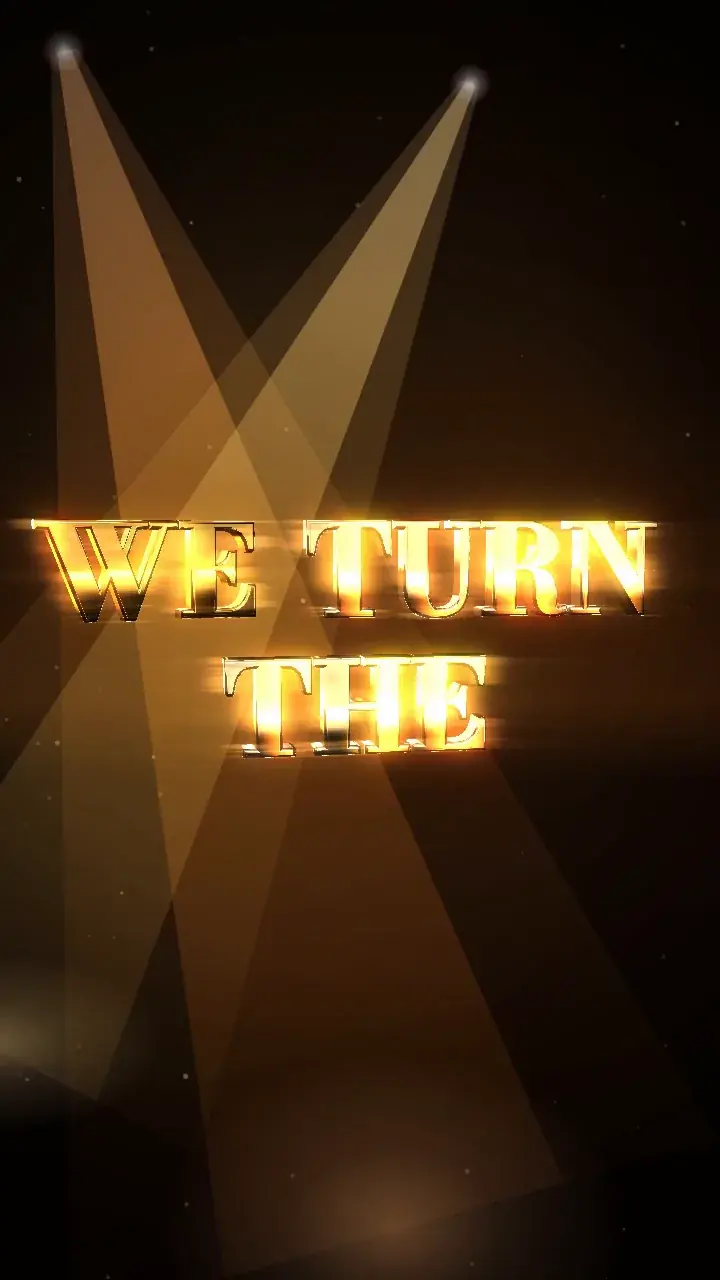 01 · Gold Rush
Real render One template per line “Midnight Signals”, original demo song
App Store · coming soonGoogle Play · coming soon
[00:02.00]Templates[Verse]City lights are calling out my name
60+ looks.Zero keyframes.
3D studio, edits, captions, karaoke, player-style scroll, neon, cinema, hologram… Pick a template: the look is set, your lyrics follow. New ones land in the gallery without an app update.
Same song, same second: only the look changes.
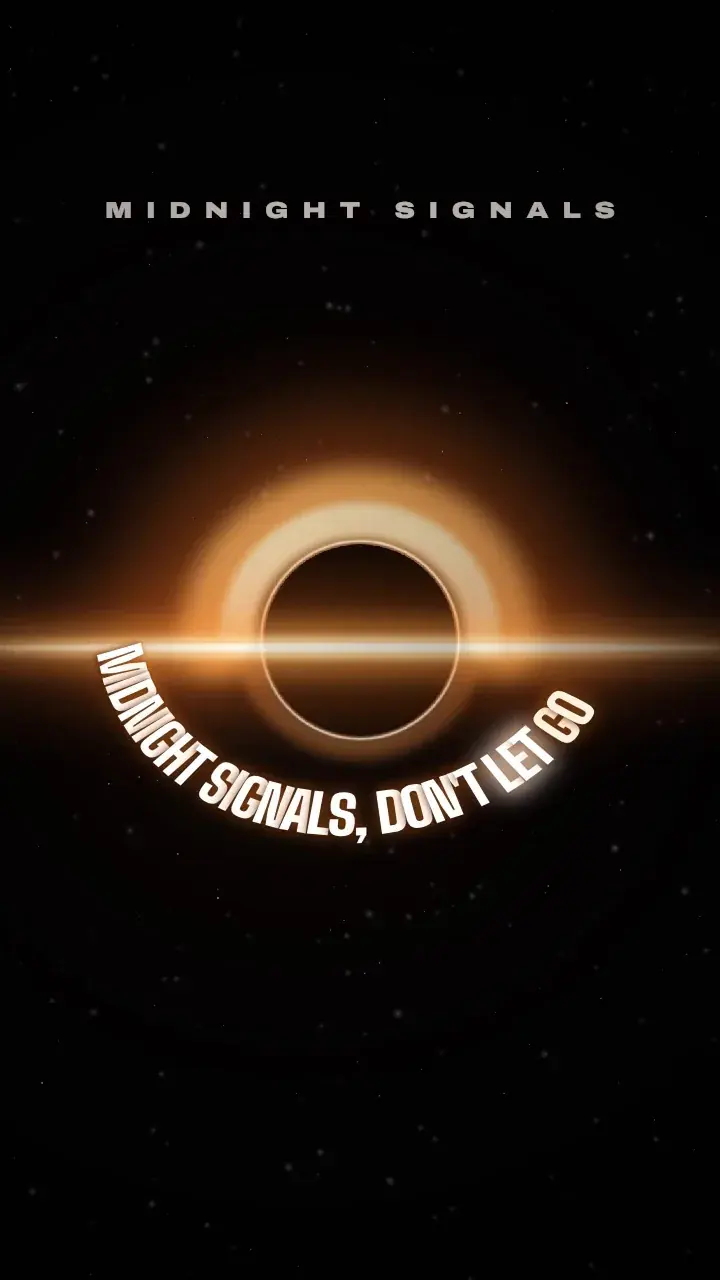
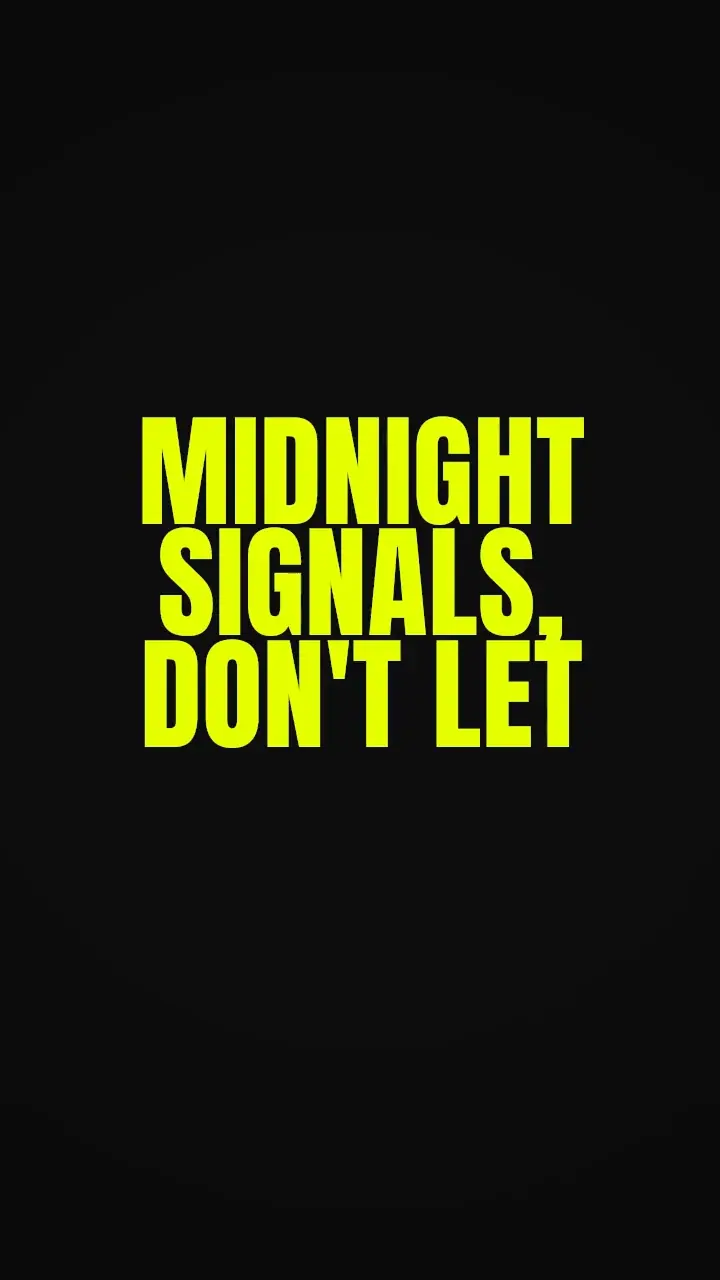
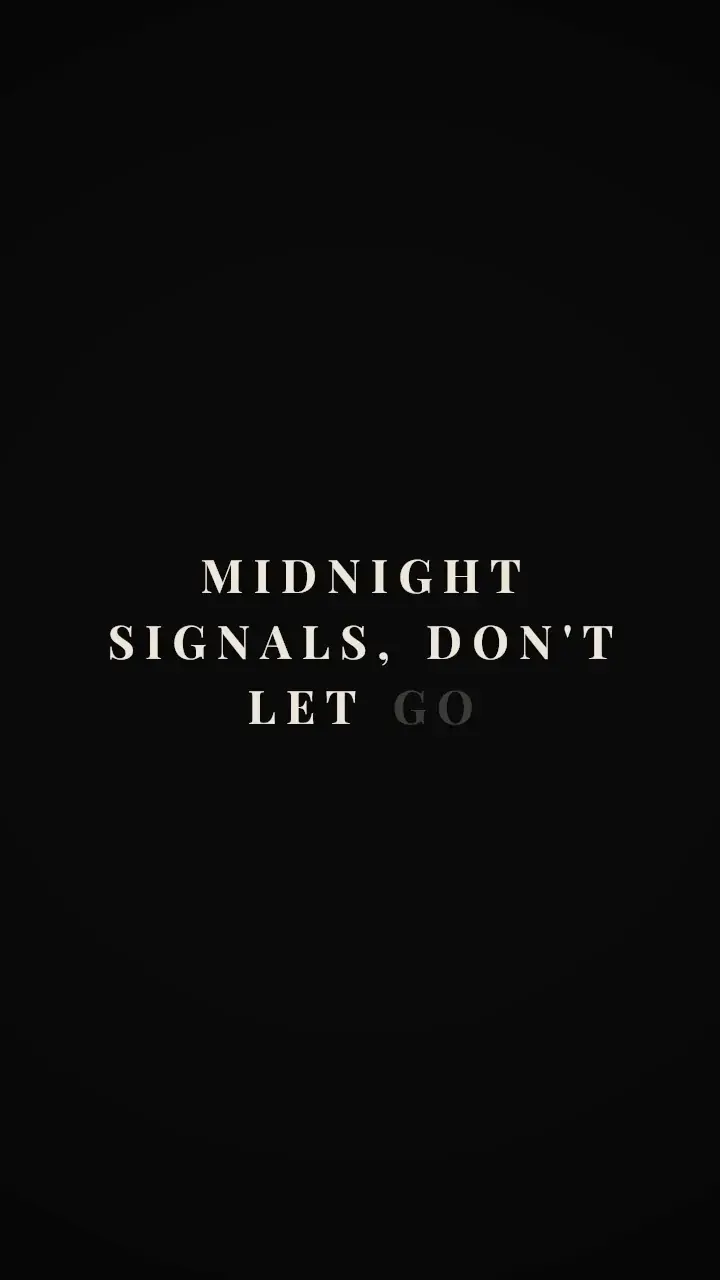
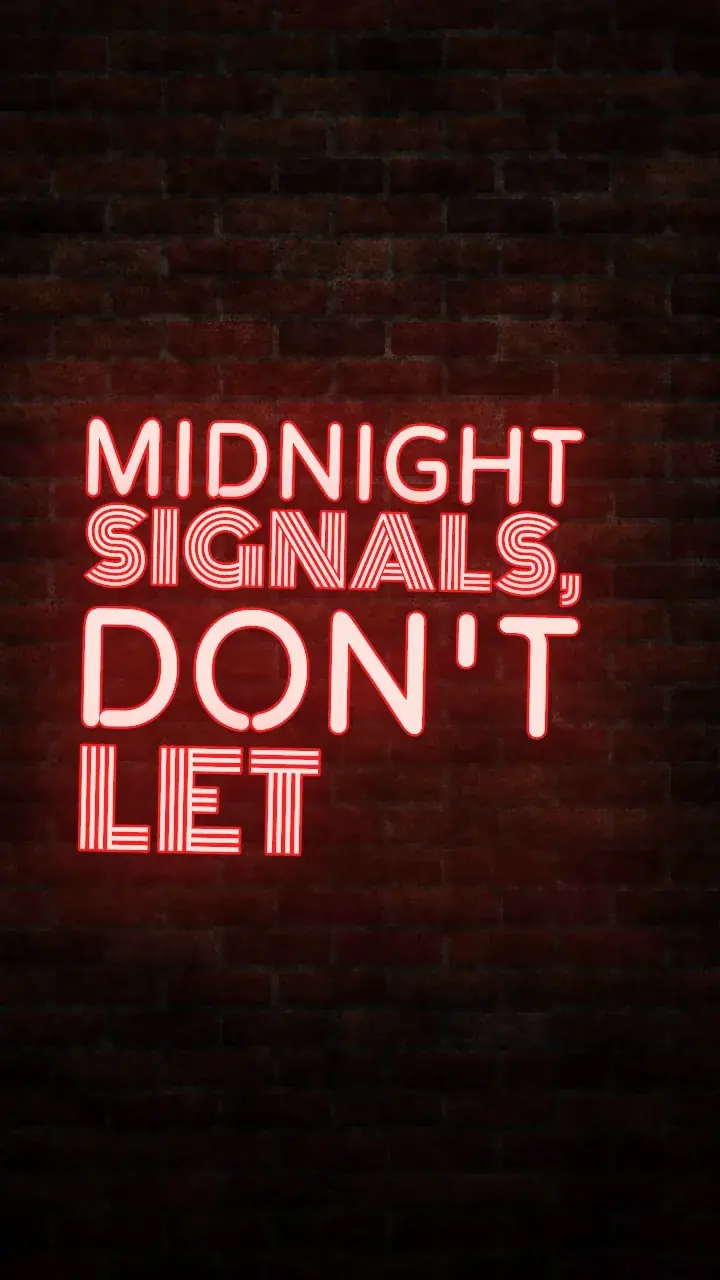
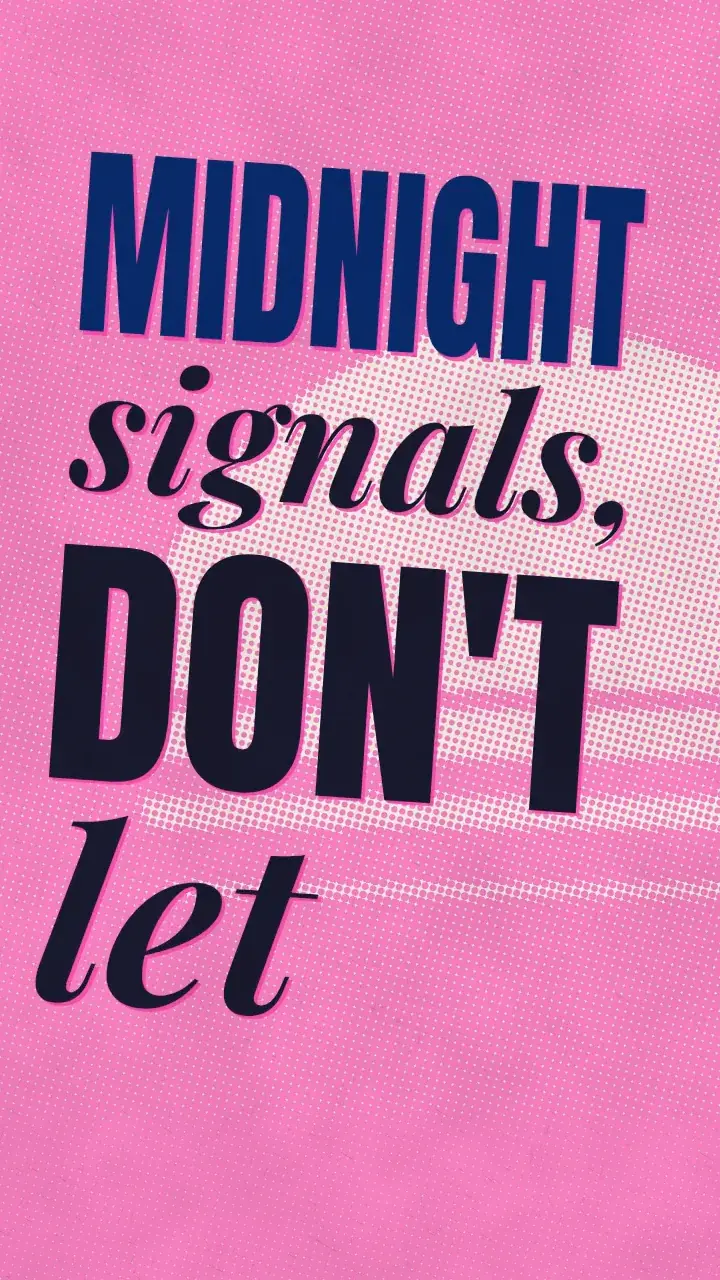
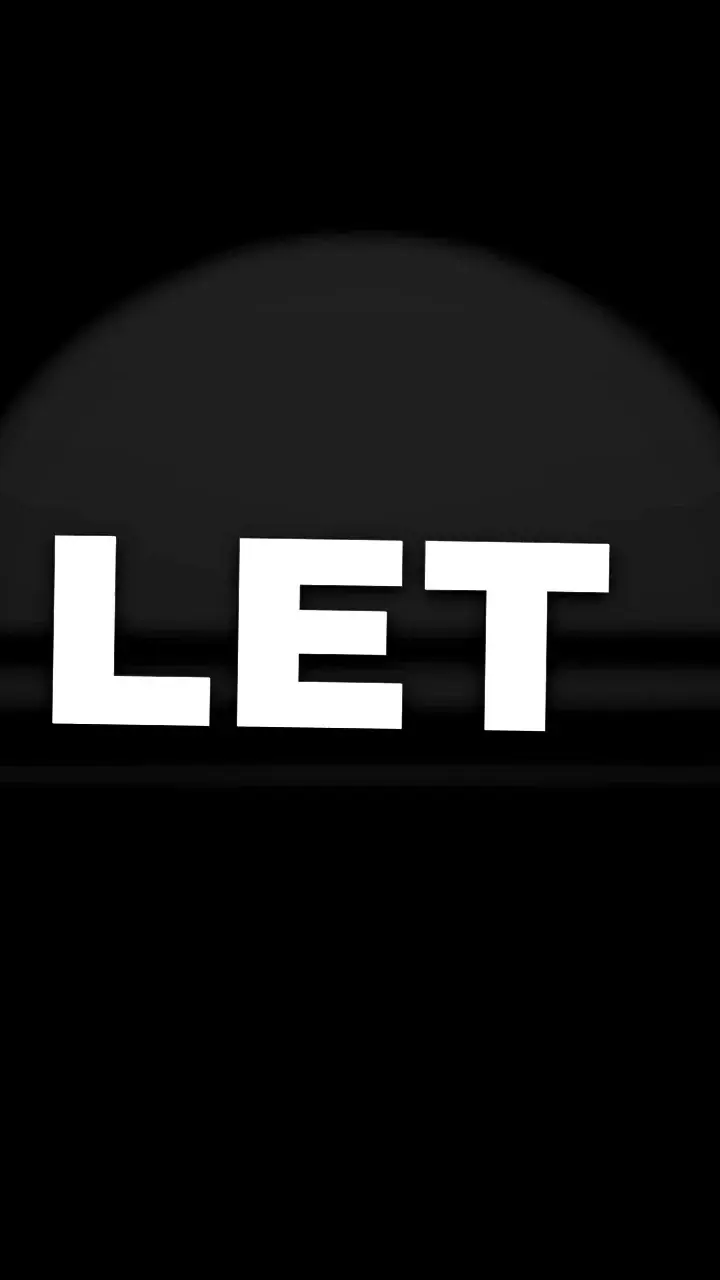
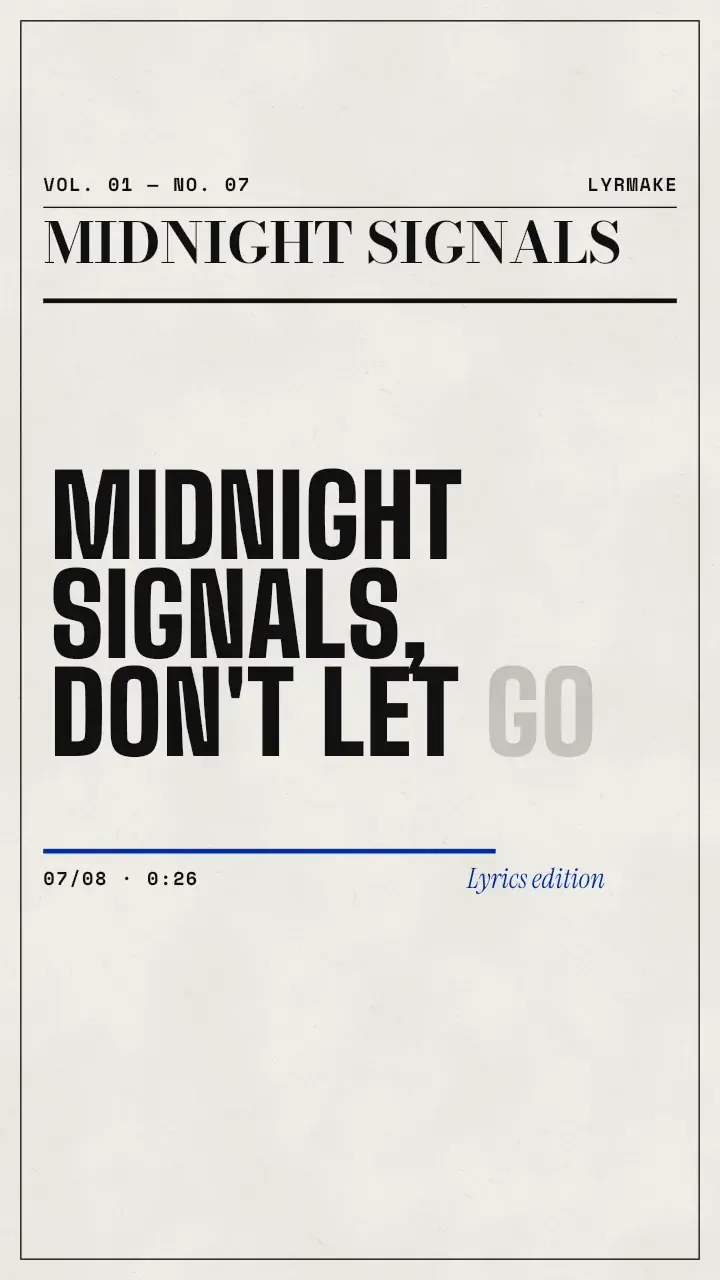
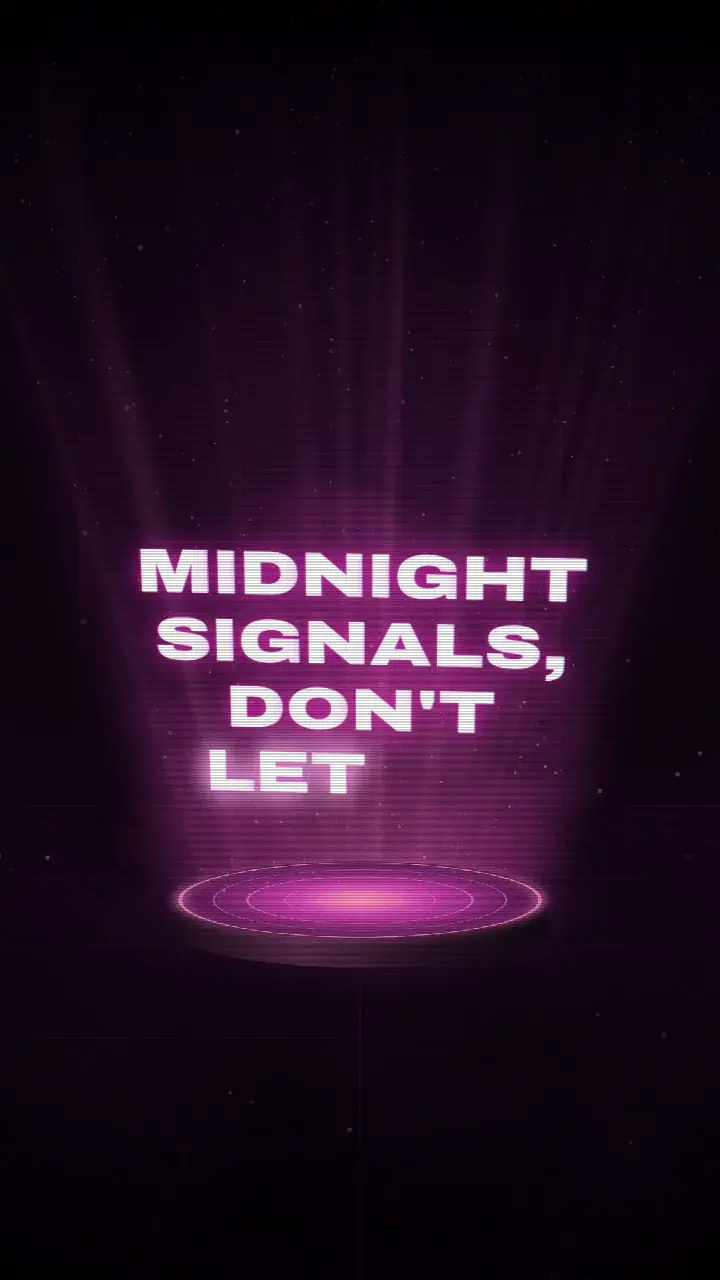
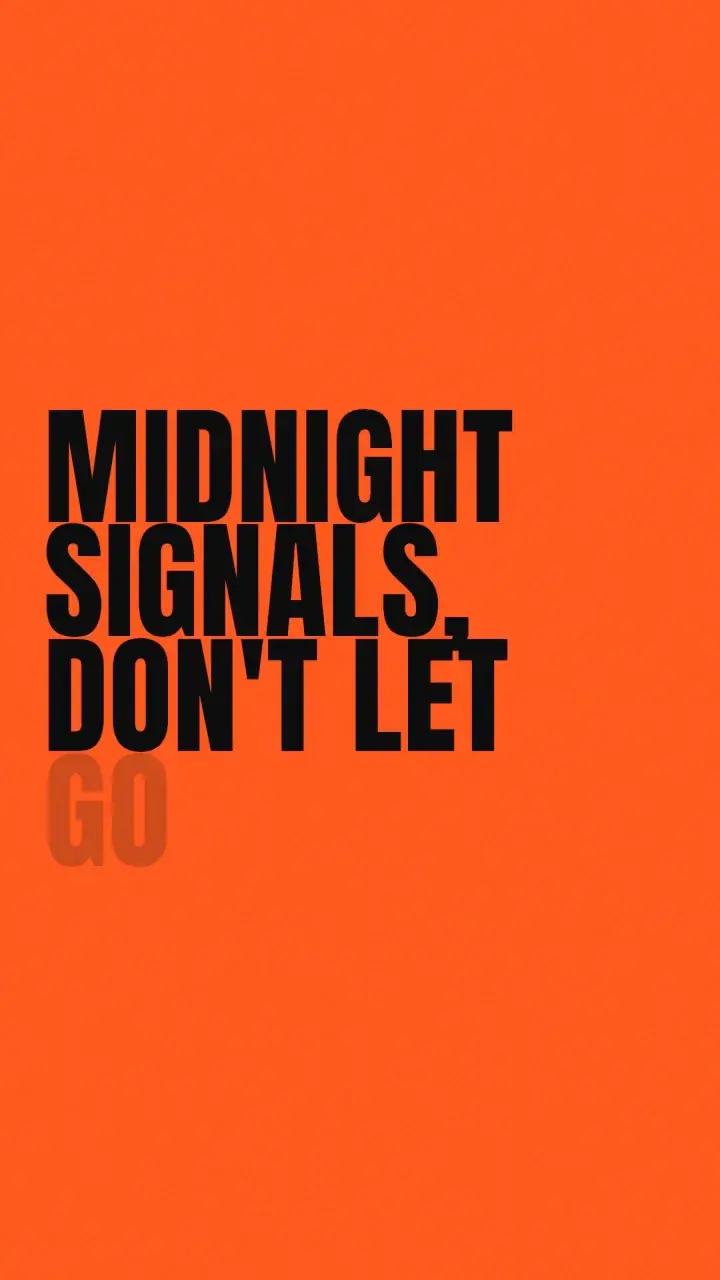
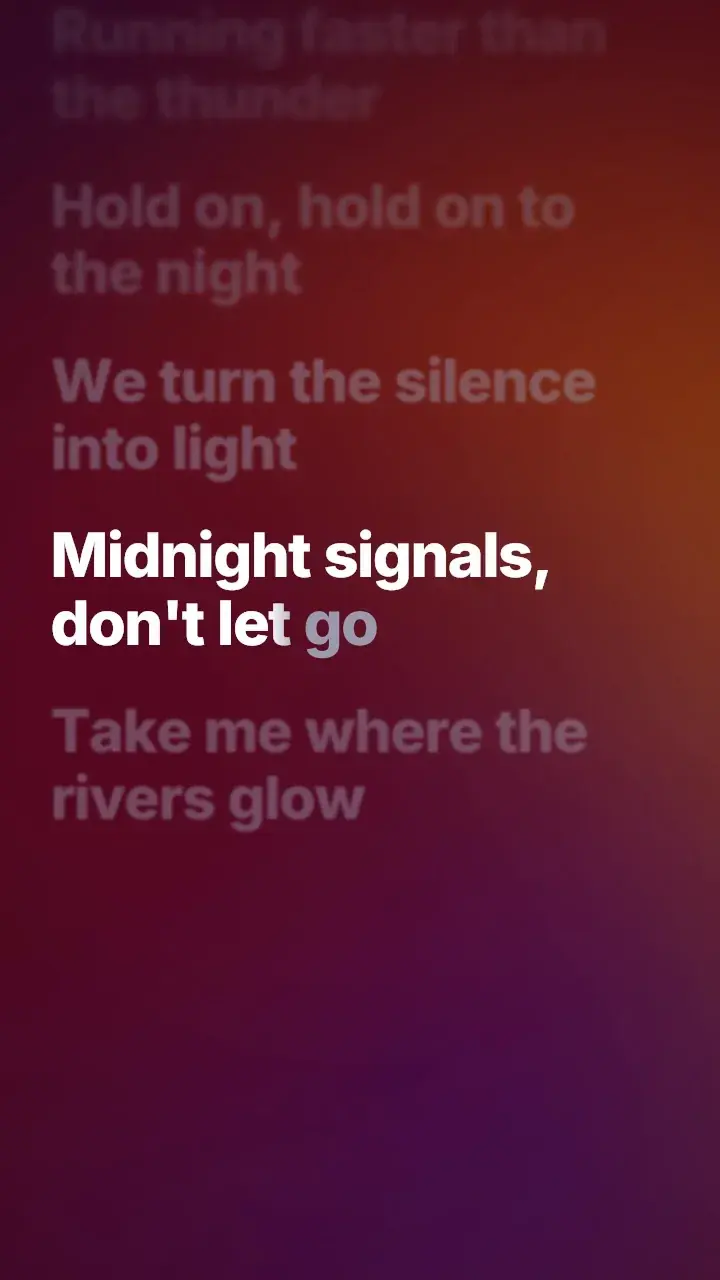
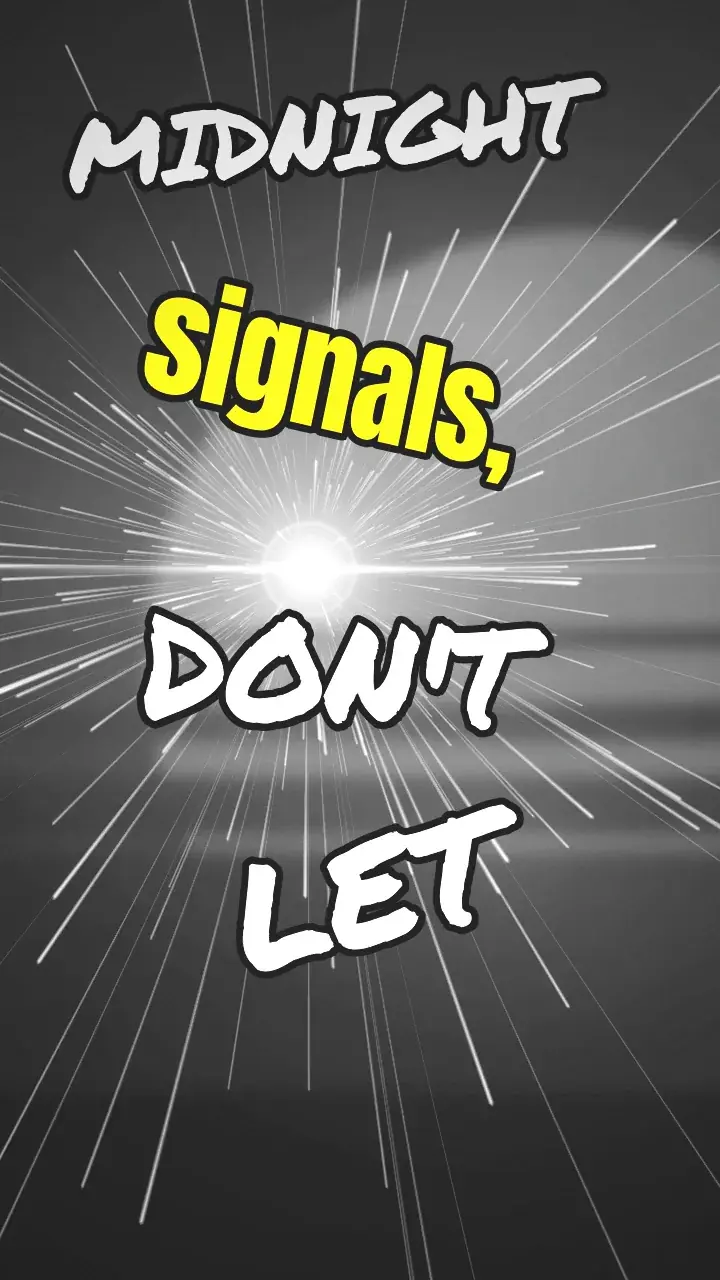
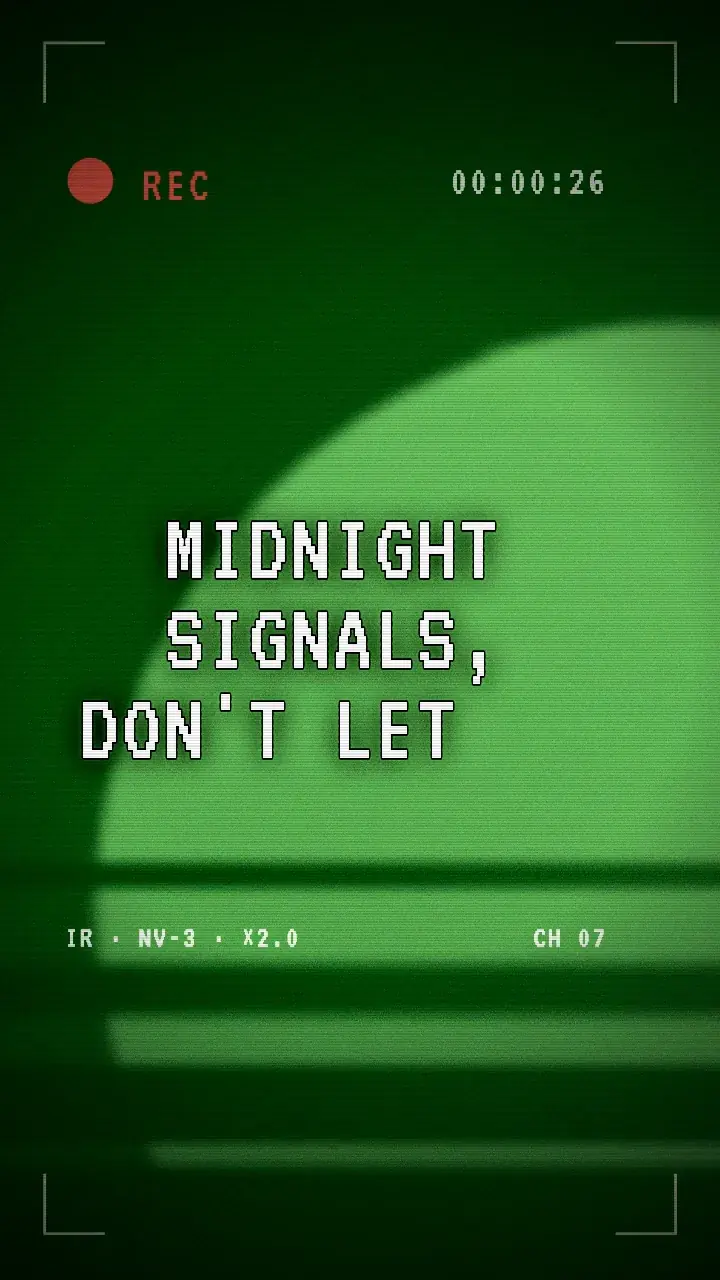
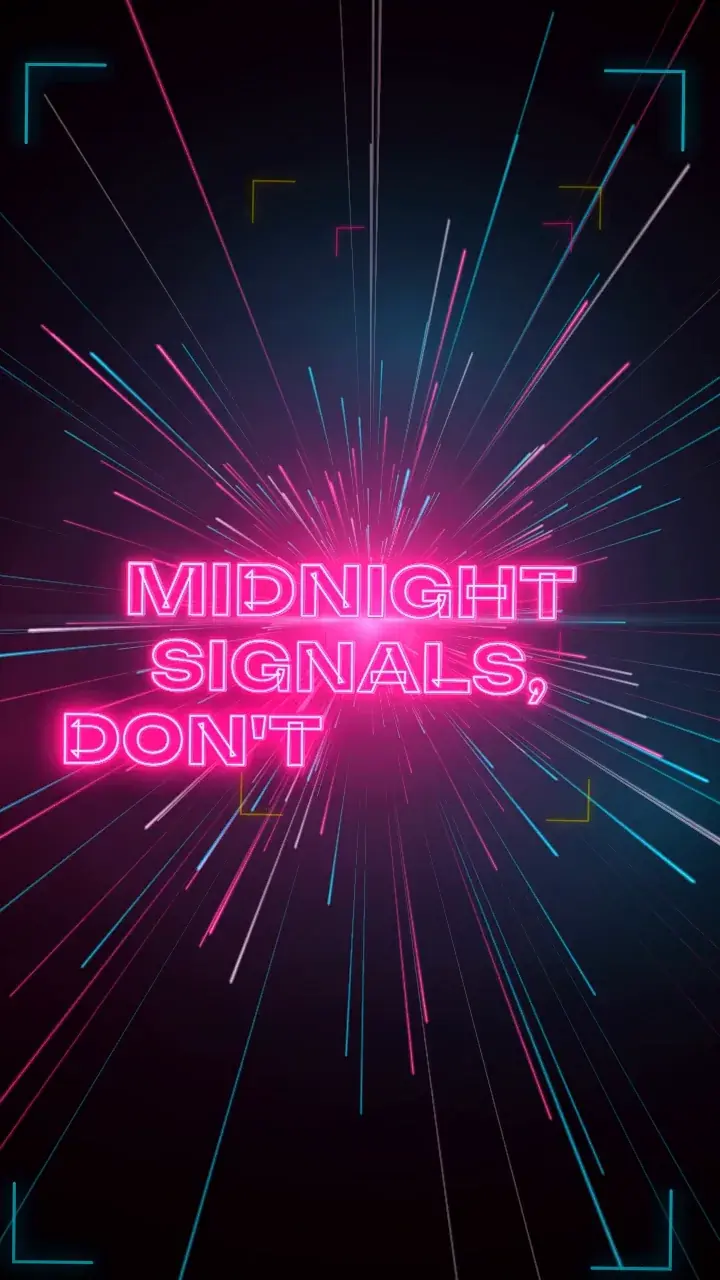
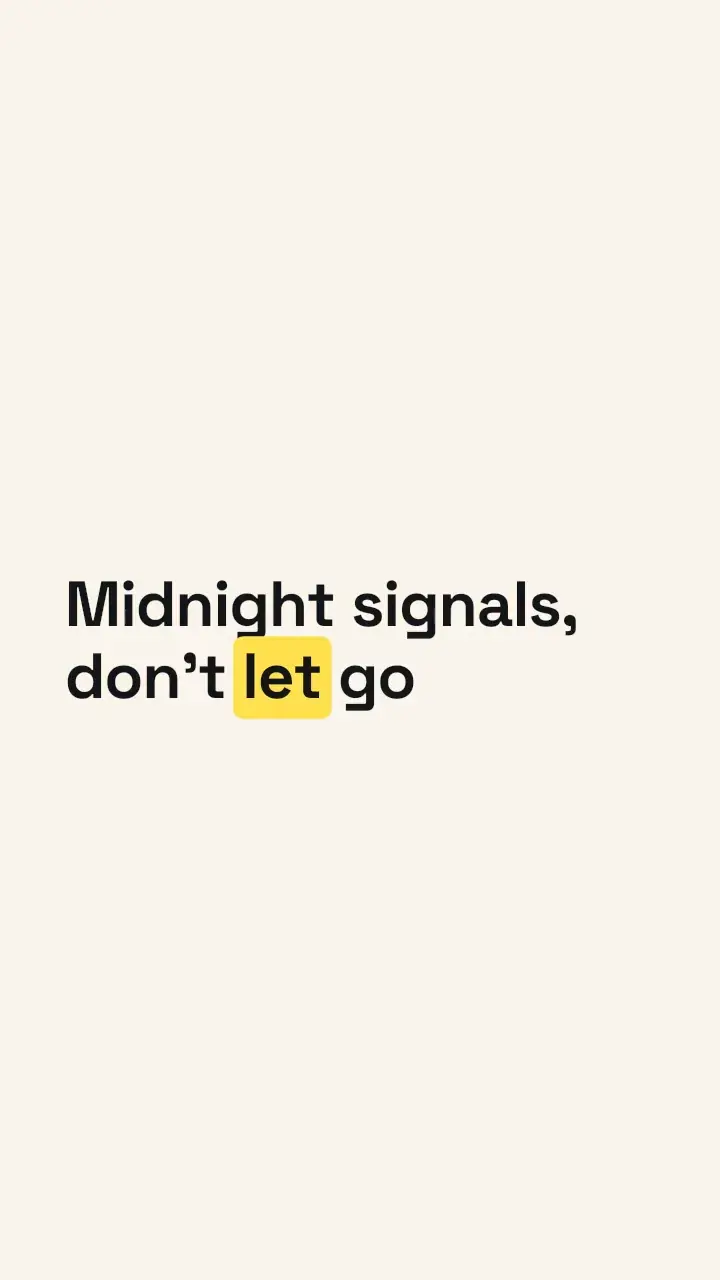
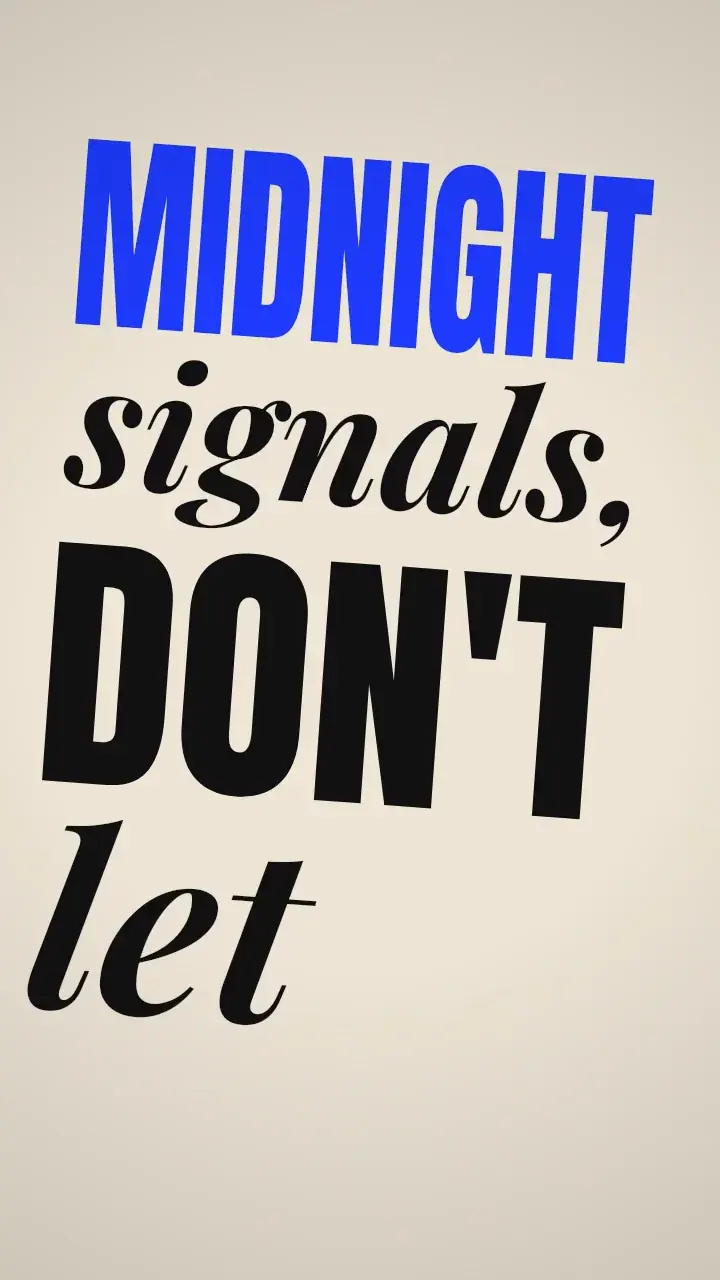
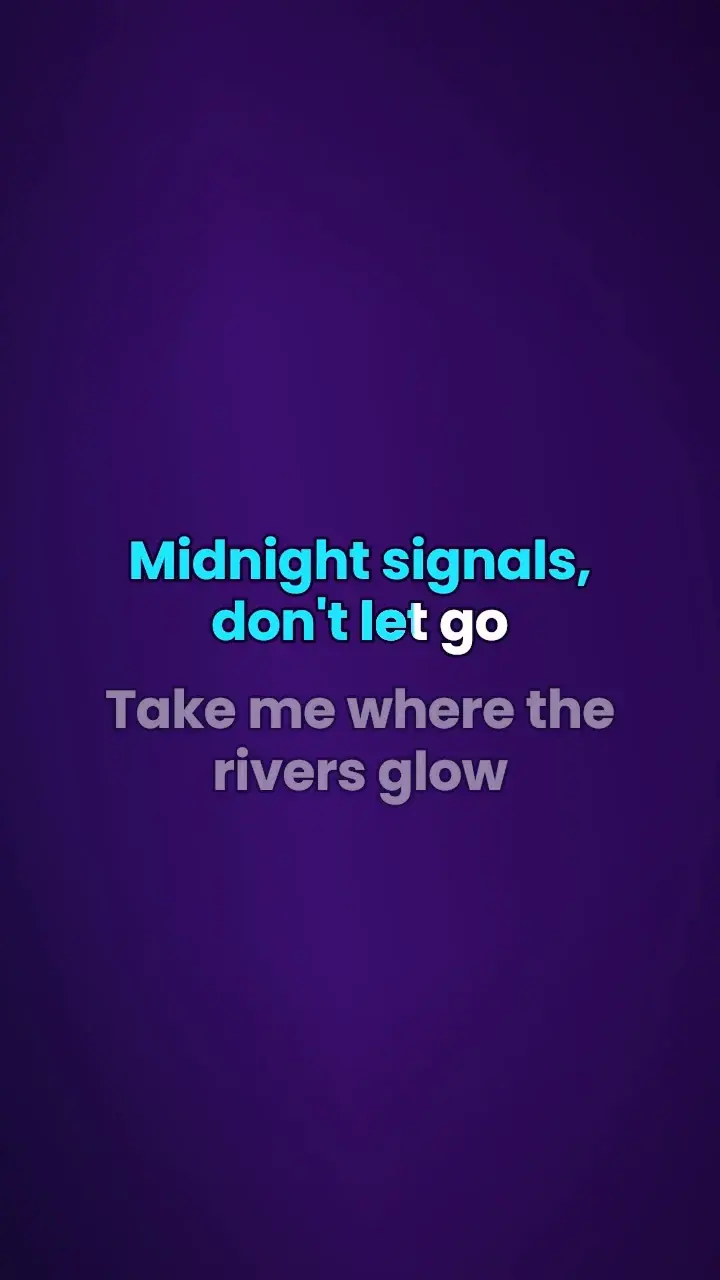
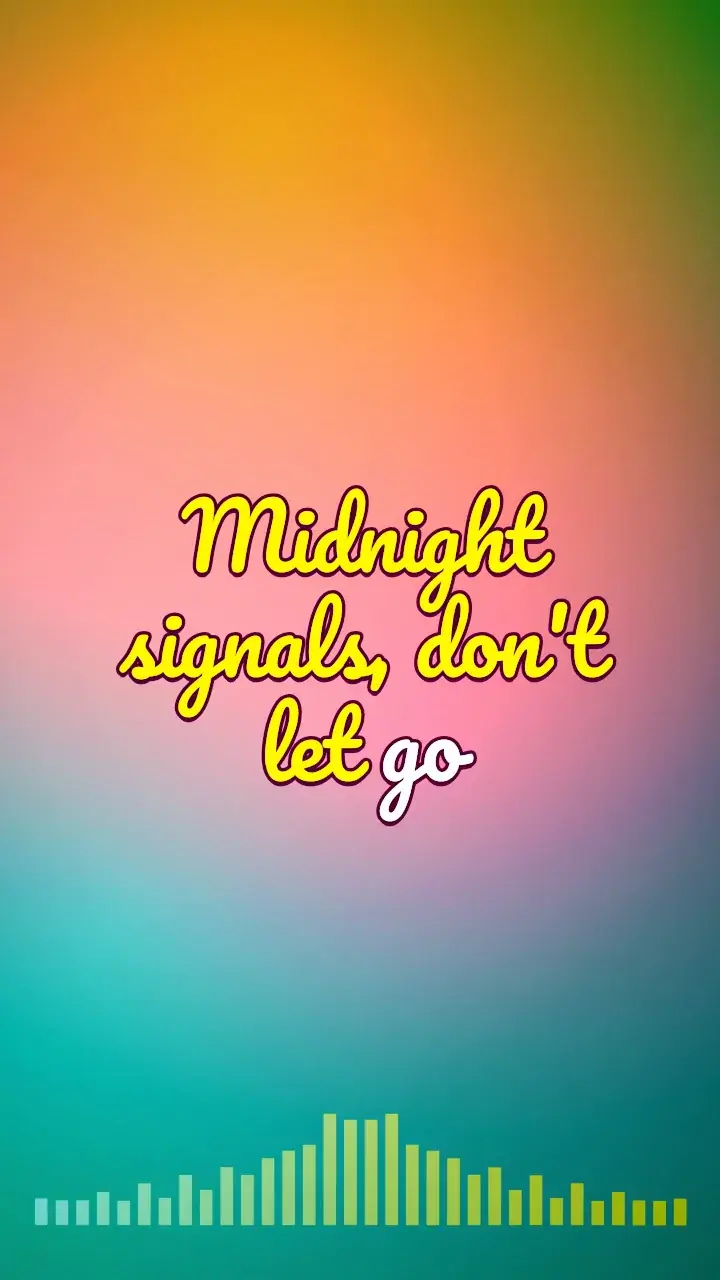
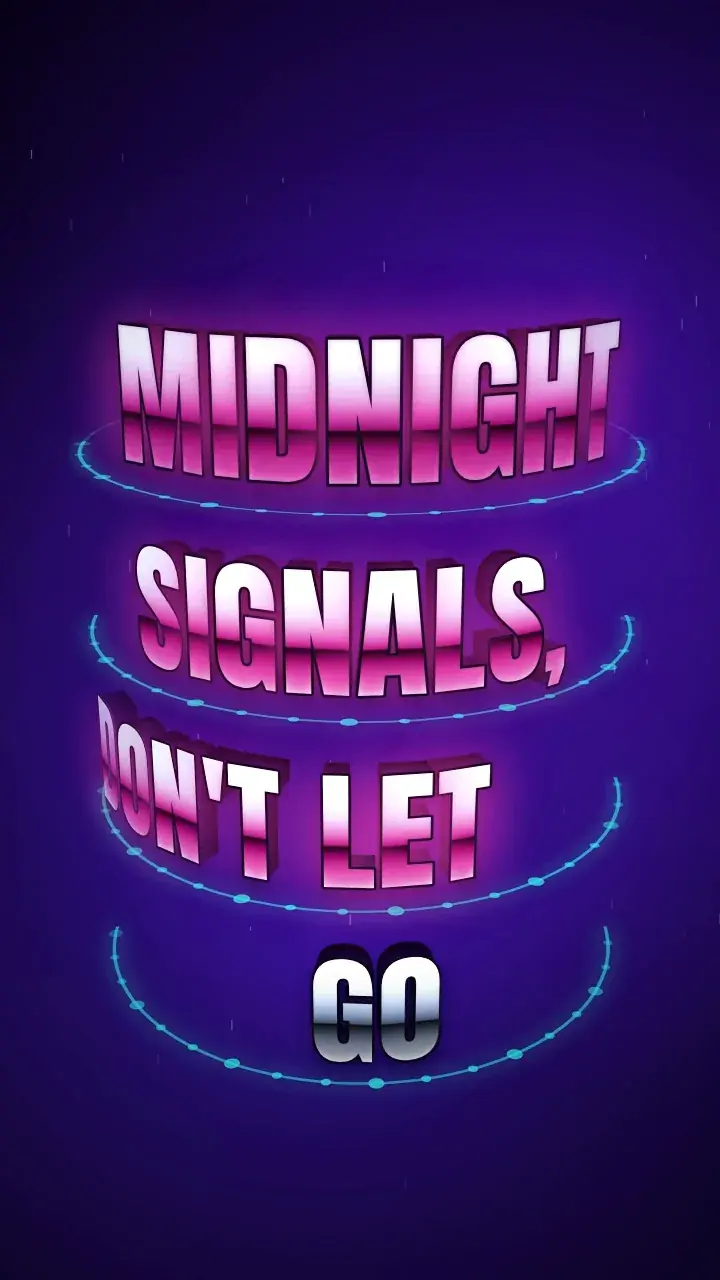
Every video on this page comes out of Lyrmake’s engine, on the demo song “Midnight Signals”.

The app’s gallery, sorted by style.
Free 720p export. No account.
[00:05.60]3D Studio[Verse]Every heartbeat sounds a little louder
New
Letters with actual weight.
The newest 3D Studio templates carve your lyrics into real solid letters: chrome, gold, candy. Material, light and reflections are rendered frame by frame, on your device.


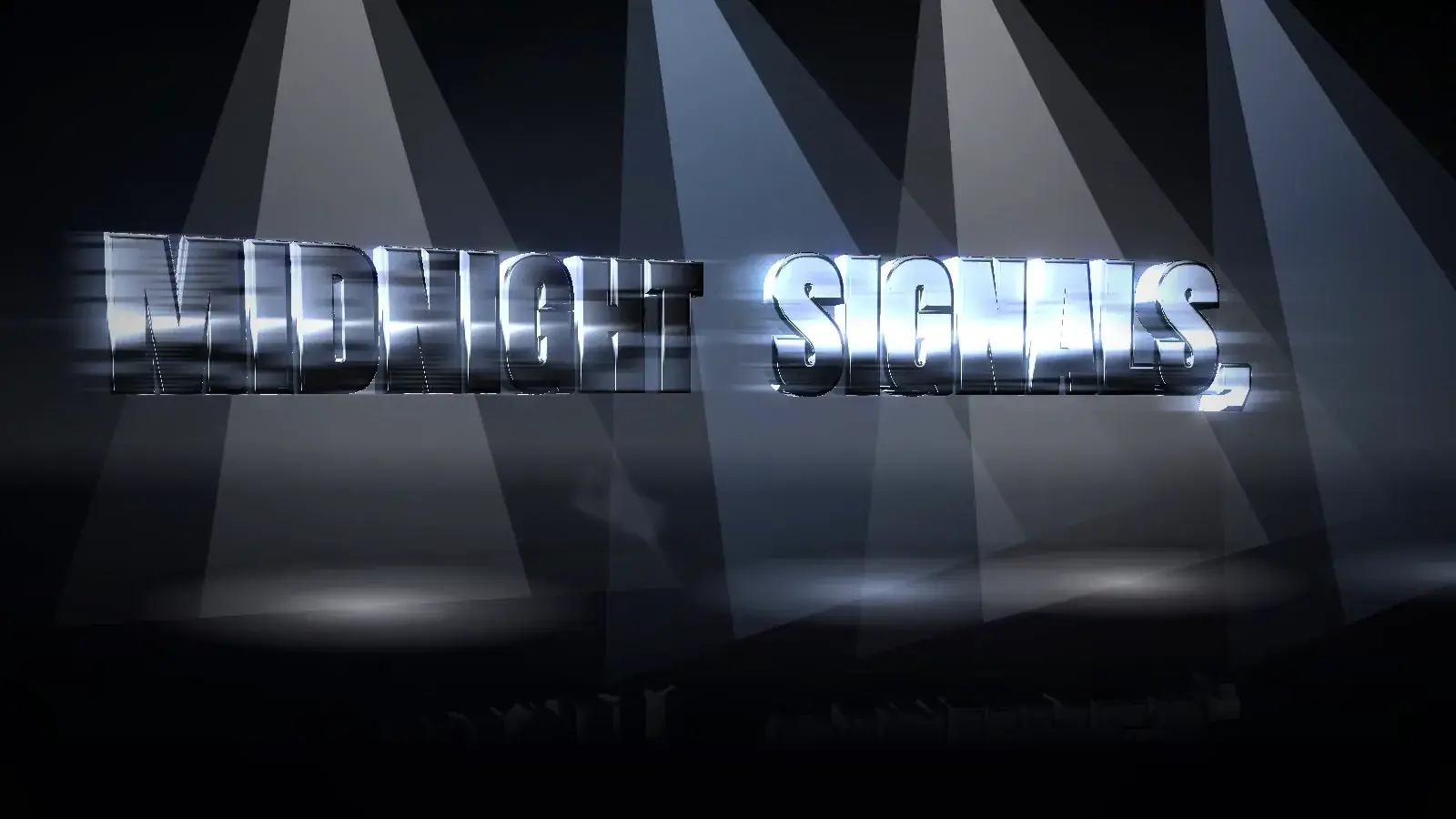
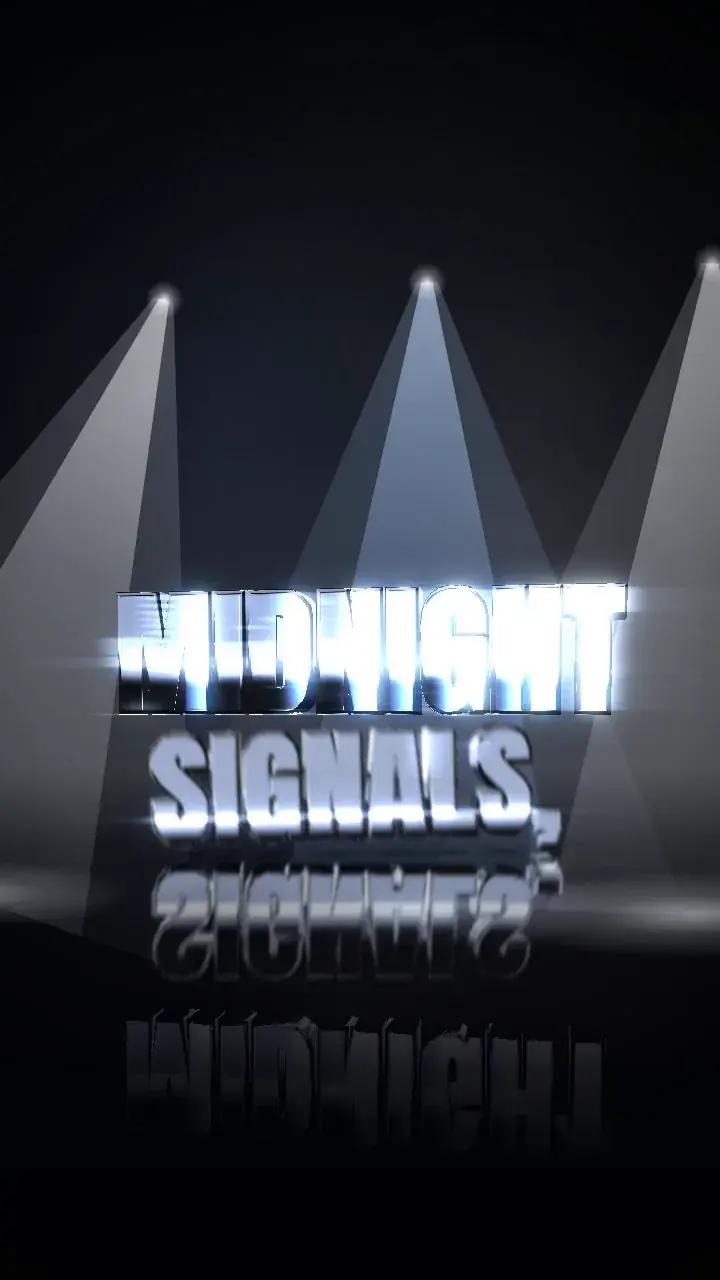
01Chrome Studio
Solid chrome letters on a black mirror
Real render·Chrome Studio·1600 × 900·“Midnight Signals”Real render·Chrome Studio·720 × 1280·“Midnight Signals”
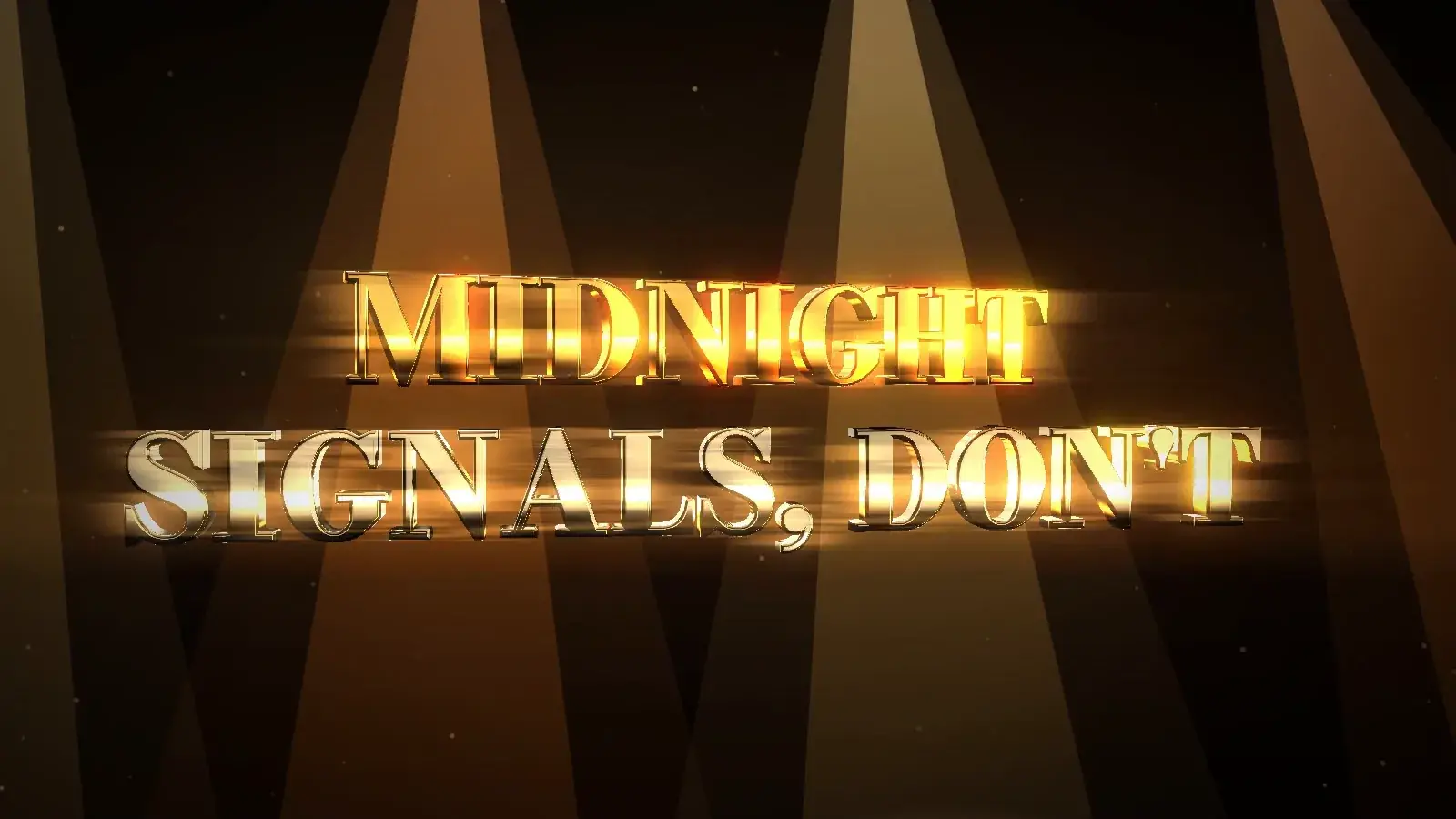
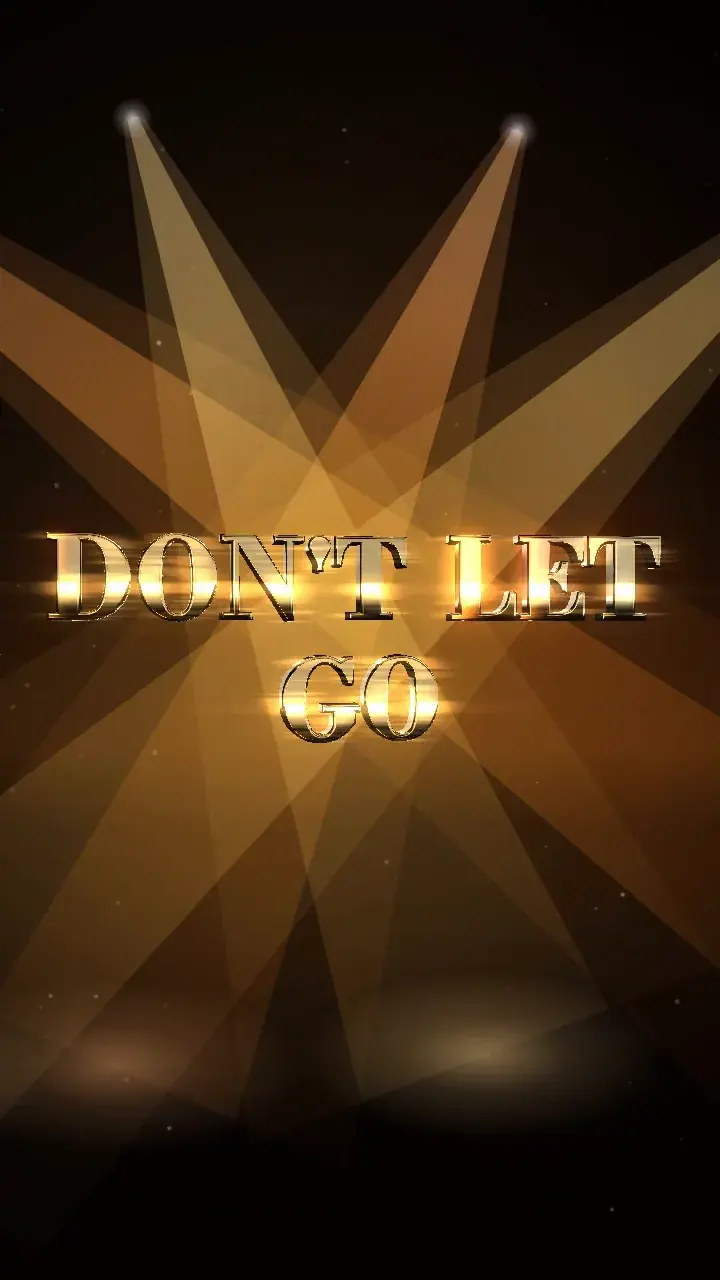
02Gold Rush
Gold words fly out of the fog and past you
Real render·Gold Rush·1600 × 900·“Midnight Signals”Real render·Gold Rush·720 × 1280·“Midnight Signals”
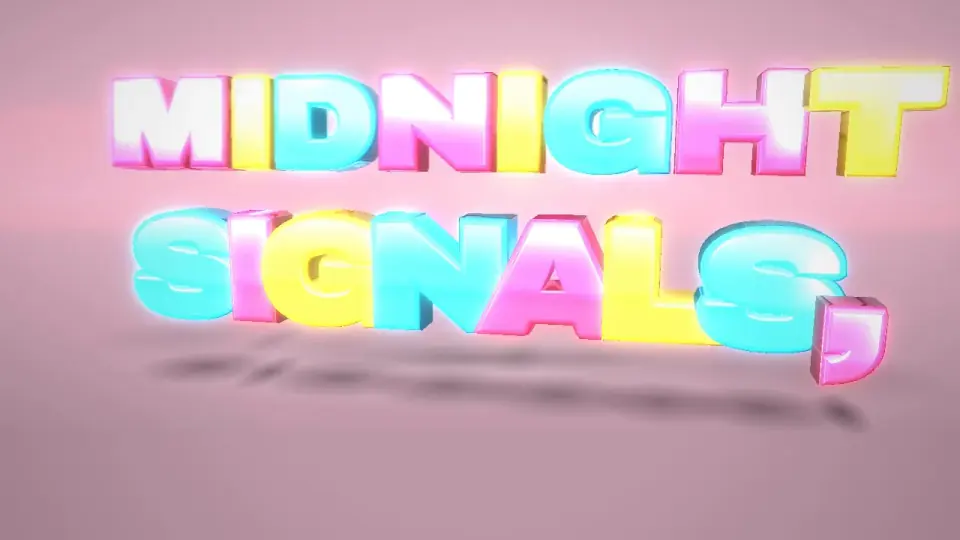
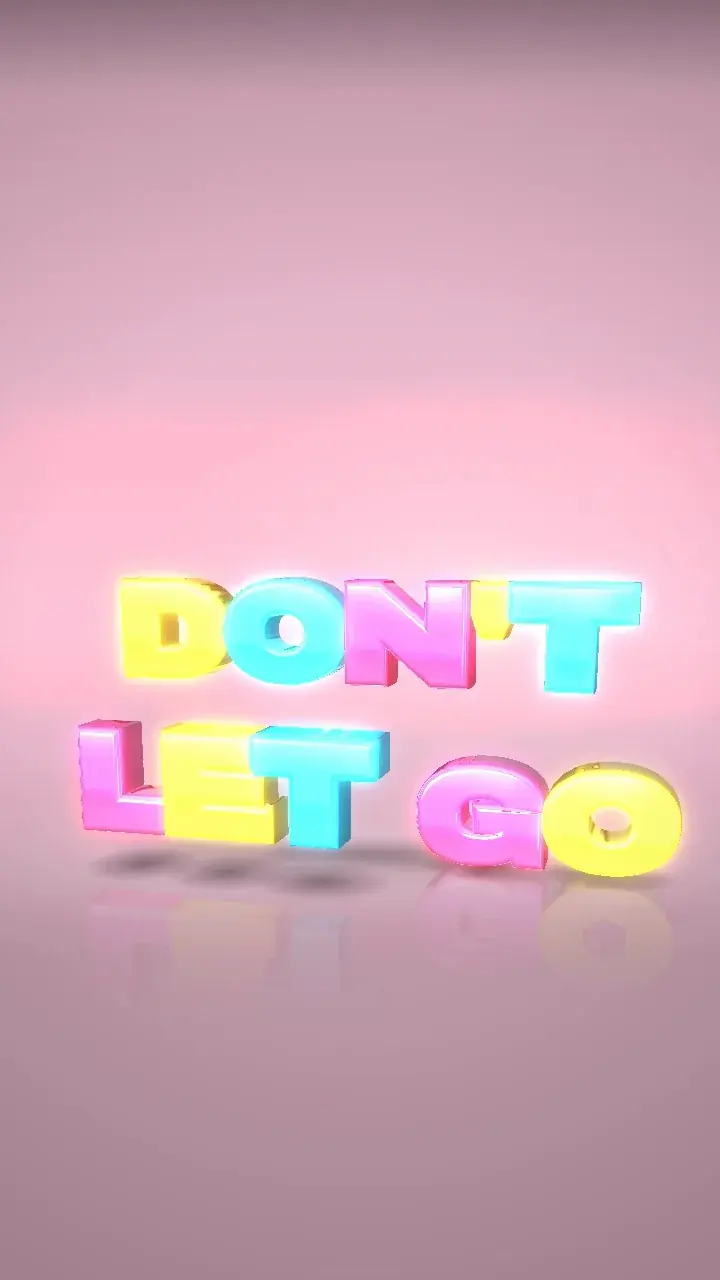
03Candy Drop
Glossy candy letters drop and bounce
Real render·Candy Drop·1280 × 720·“Midnight Signals”Real render·Candy Drop·720 × 1280·“Midnight Signals”
Solid chrome letters on a black mirrorGold words fly out of the fog and past youGlossy candy letters drop and bounce
Real render·Chrome Studio·1600 × 900·“Midnight Signals”Real render·Gold Rush·1600 × 900·“Midnight Signals”Real render·Candy Drop·1280 × 720·“Midnight Signals”Real render·Chrome Studio·720 × 1280·“Midnight Signals”Real render·Gold Rush·720 × 1280·“Midnight Signals”Real render·Candy Drop·720 × 1280·“Midnight Signals”
Try the 3D Studio[00:09.20]Formats[Verse]We were chasing echoes in the rain
Four frames. No lazy crops.
Tick 16:9, 9:16, 1:1 and 4:5: Lyrmake exports them one after another. Each format is rendered for its own frame: your lyrics are laid out again, not chopped at the edge. Whole song or just a section, your call.
16:9
Landscape · YouTube
9:16
Vertical · TikTok, Reels, Shorts
1:1
Square
4:5
Portrait
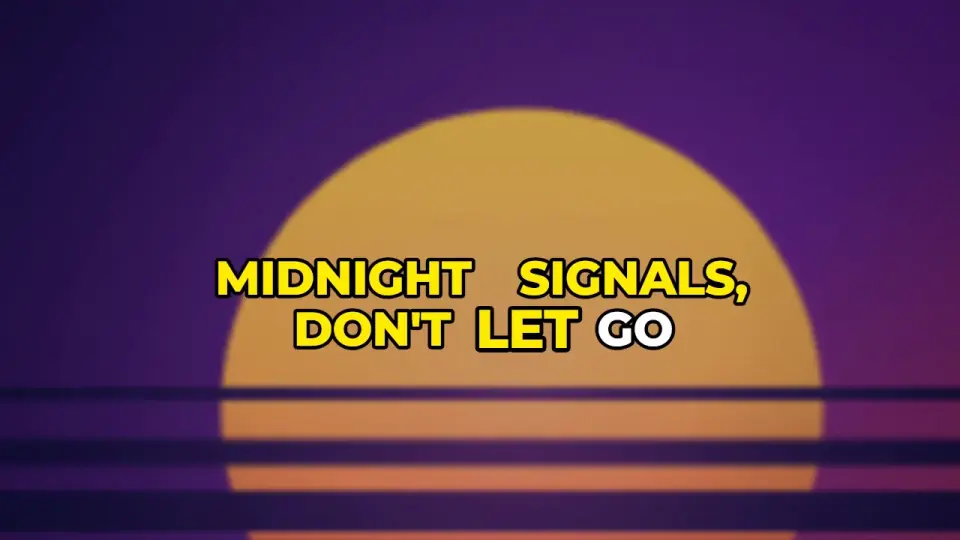
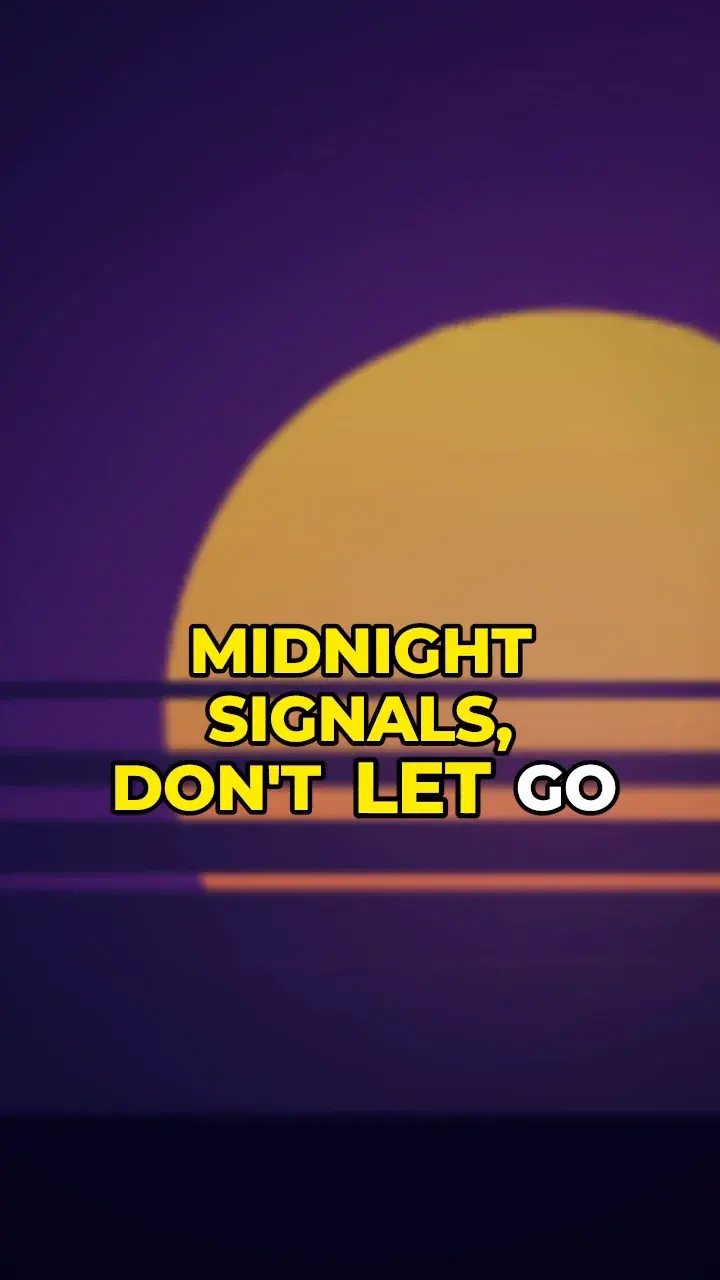
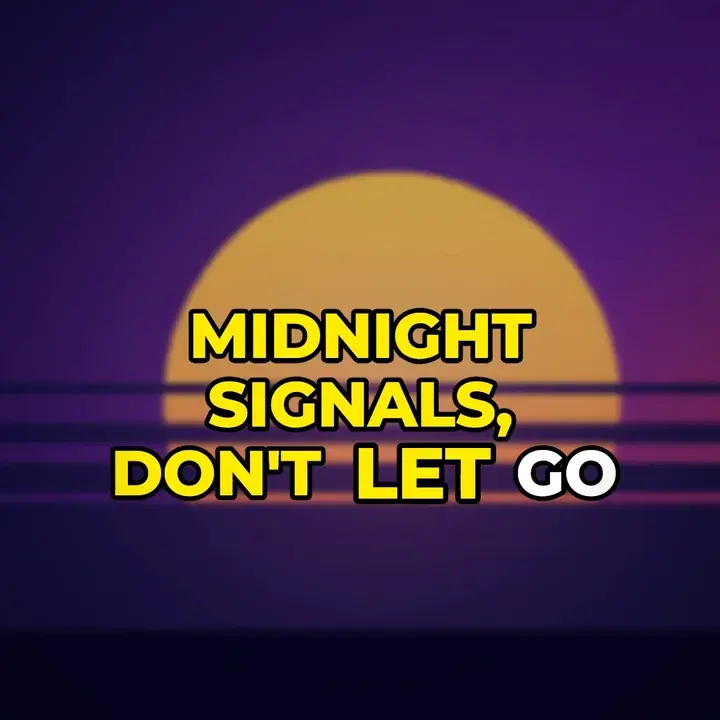
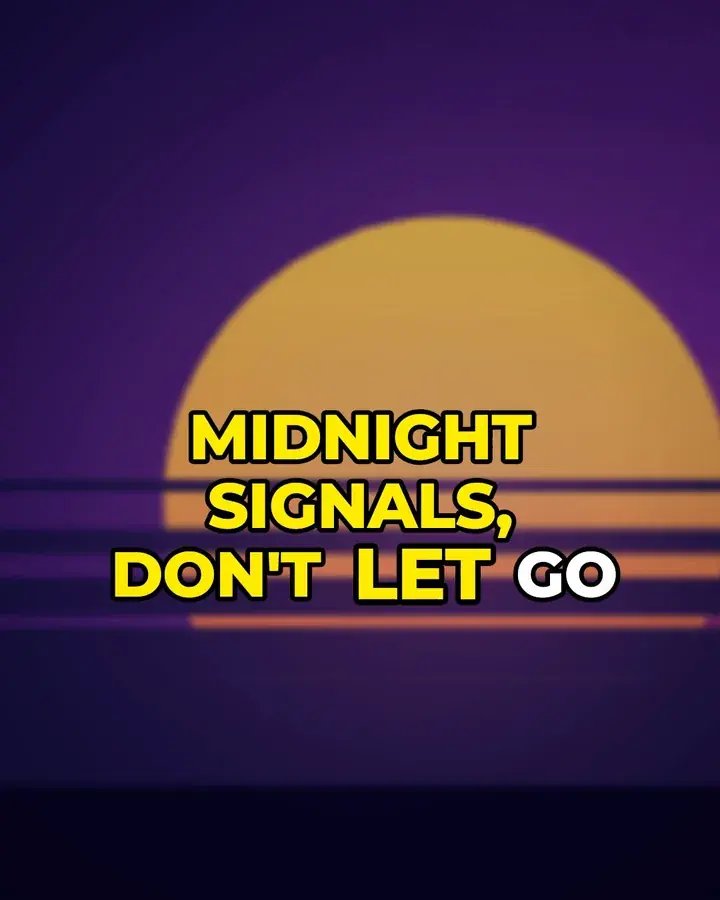
Scroll: the frame changes, the lyrics lay themselves out again.
Real render · Caption Pop · Same moment, 4 formats
Safe zones: where the apps put their buttons and captions. They show in Lyrmake’s preview too.
The full video on YouTube. The chorus on TikTok, same night.
At export, Lyrmake suggests clips ready to post: the chorus, the most intense moment, the opening, cut on the beat.
Illustration: clips worked out by Lyrmake on the demo song
00:00Whole song16:900:32
The song pass covers these clips: one paid render, then every format of the same song for 7 days. Details in pricing.

[00:12.80]Sync[Verse]Running faster than the thunder
Time every word.Even the onesyou mumble.Time every word.Even the ones you mumble.
Your lyrics? Often already there.
- In your audio file’s tags.
- On LRCLIB, a free public database where they’re often already synced.
- In your file: .lrc, word-by-word LRC, .srt or plain text.
- If not, in the sync studio.
lrclib.net: title, artist, album, duration. That’s all. Can be turned off.
The sync studio builds your .lrc from an MP3 or WAV, line by line or word by word. Drop marks on the waveform, drag them, slow down to 0.5× or 0.75× without changing the pitch. Snap pulls them onto the vocal attacks, your reaction time is compensated, and words can be placed automatically.

Illustration: the demo song’s real marks, replayed by the page
The file writes itself as you scroll.
[00:02.00]City lights are calling out my name
[00:05.60]Every heartbeat sounds a little louder
[00:09.20]We were chasing echoes in the rain
[00:12.80]Running faster than the thunder
[00:16.40]Hold on, hold on to the night
[00:20.00]We turn the silence into light
[00:23.60]Midnight signals, don't let go
[00:27.20]Take me where the rivers glow
[00:02.00]<00:02.00>City <00:02.61>lights <00:02.96>are <00:03.57>calling <00:04.19>out <00:04.54>my <00:04.89>name <00:05.50>
[00:05.60]<00:05.60>Every <00:06.50>heartbeat <00:07.12>sounds <00:07.48>a <00:07.84>little <00:08.47>louder <00:09.10>
[00:09.20]<00:09.20>We <00:09.58>were <00:10.24>chasing <00:10.89>echoes <00:11.55>in <00:11.93>the <00:12.31>rain <00:12.69>
[00:12.80]<00:12.80>Running <00:13.46>faster <00:14.12>than <00:14.49>the <00:14.87>thunder <00:15.53>
[00:16.40]<00:16.40>Hold <00:16.78>on, <00:17.16>hold <00:17.53>on <00:17.91>to <00:18.29>the <00:18.67>night <00:19.05>
[00:20.00]<00:20.00>We <00:20.38>turn <00:20.76>the <00:21.13>silence <00:22.07>into <00:22.73>light <00:23.11>
[00:23.60]<00:23.60>Midnight <00:24.26>signals, <00:24.92>don't <00:25.29>let <00:25.67>go <00:26.05>
[00:27.20]<00:27.20>Take <00:27.86>me <00:28.24>where <00:28.89>the <00:29.27>rivers <00:29.93>glow <00:30.31>
Words placed by Lyrmake’s estimator.
Your turn.
Hit Space or the pad when the mark crosses the playhead. Four lines.
The demo song is instrumental, so here you tap on marks. In the app, you tap on the vocals.
- City lights are calling out my name
- Every heartbeat sounds a little louder
- We were chasing echoes in the rain
- Running faster than the thunder
Average gap0.00 s
You just wrote an .lrc.
[00:02.00]City lights are calling out my name
[00:05.60]Every heartbeat sounds a little louder
[00:09.20]We were chasing echoes in the rain
[00:12.80]Running faster than the thunder
A mini demo on this site. The real studio is in the app.

Studio shortcuts, on the web
- Space/Enter
- Drop a mark
- PorK
- Play / pause
- ⌫
- Undo last mark
- E
- Mark the end
- Z/X
- Zoom out / in
- ←/→
- Back / forward 2 s
- Shift+←/→
- Nudge the mark 50 ms
- ↑/↓
- Previous / next line
Keyboard shortcuts on the web. Export to .lrc, word-by-word .lrc, .srt or .txt. Right from the home screen, no video needed.
Open the sync studio[00:16.40]Chorus[Chorus]Hold on, hold on to the night
Everyword,right onthe beat.Every word,right on the beat.
What you won’t have to do
No more:
Setting keyframes one by one.Templates and the music move the words.No more:
Cropping your 16:9 into a vertical.Each format is laid out again.No more:
Crossing your fingers at export.The exported video matches the preview.No more:
Creating an account.There isn’t one.No more:
Paying a subscription.You pay per render, and 720p is free.No more:
Uploading your track to a server.Everything stays on your device.
In your browser. No account. Free 720p export.
[00:20.00]Sung word[Chorus]We turn the silence into light
The sung word lights up. Your way.
We turn the silence into lightWe turn the silence into lightWe turn the silence into light
Instrument Italic6 of the app’s 37 fonts
We turn the silence into light
8 ways to follow the voice, from a soft reveal to a box that jumps from word to word, and your keywords stand out. 37 fonts in the app, plus your own .ttf or .otf, with automatic fallback for Chinese, Japanese and Korean. Gradient, outline, shadow, glow, text background, 3D relief. 18 in and out transitions, per line, word or letter (rise, blur, glitch, typewriter, shatter…), and 10 continuous effects (wave, pulse, beat…).

[00:23.60]Studio[Chorus]Midnight signals, don’t let go
Everything an editor would do. Without waiting for the editor.
A camera that feels the kick.
Push, float, handheld, roll. Hits on the kicks and on every line, flashes on the big beats.

11 looks in one pass.
Teal & orange cinema, neon, black & white, bleach, vintage… then exposure, contrast, saturation, temperature, tint.

Your chorus shouldn’t look like your verse.
Verse, chorus, drop, bridge: each part gets its own look, crossfaded.

The bass moves the picture.
Bass, mids and highs are analysed once and for all. They drive the text, background, cover, glow, particles and a shake.

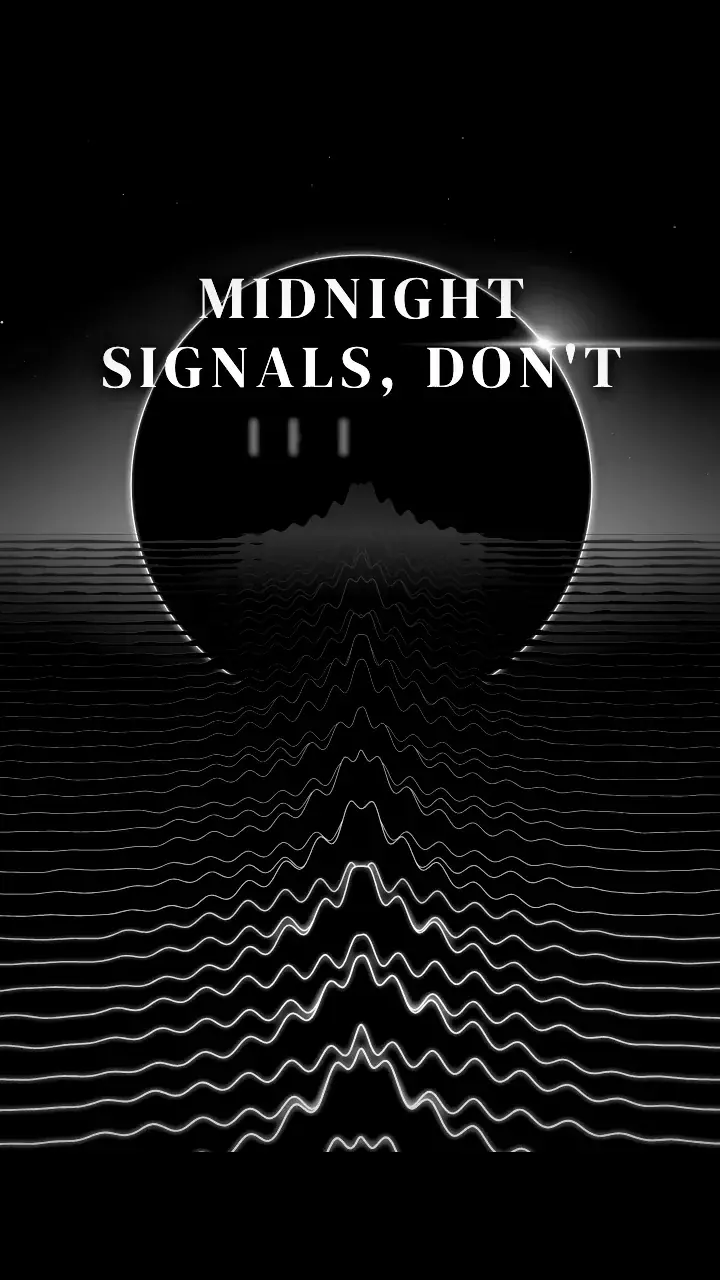
Your cover sets the stage.
Blurred Ken Burns cover, animated gradient, an aurora in your cover’s colors; square, round or spinning-vinyl cover. On top: particles, visualizer, vignette, grain, light leaks, letterbox, RGB split, scanlines, intro and outro cards.

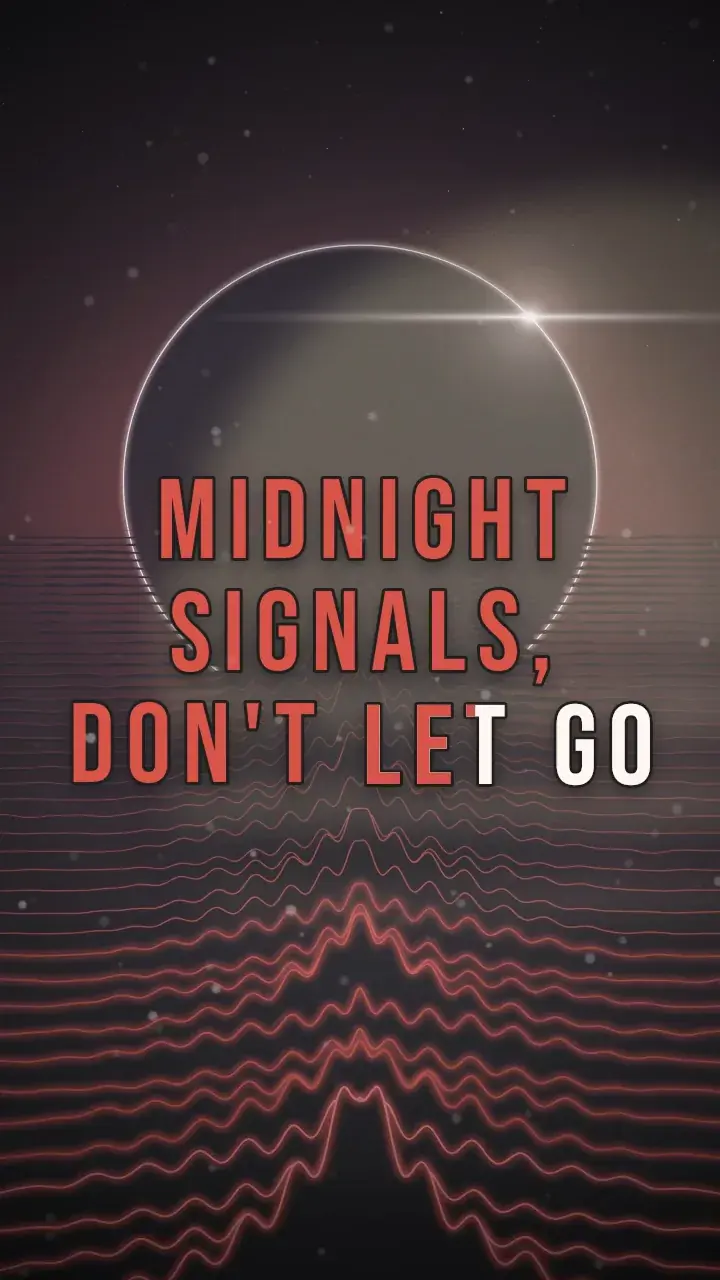
What you see in the preview is what you export.
One renderer (Skia) on iPhone, Android and the web. Everything that depends on the sound is computed ahead, and every frame renders the same way every time: the exported video is identical to the preview.

[00:27.20]Yours[Chorus]Take me where the rivers glow
Your files stay home.
No account, no app server. Your songs, covers, lyrics, fonts and videos stay on your device, or in your browser on the web, and that’s where rendering happens. No ads, no analytics, no tracking.
Everything the app sends over the Internet
- Stores and RevenueCat — an anonymous id, for your purchases.
- lrclib.net — title, artist, album, duration, when you look up lyrics. Can be turned off.
- Template catalog — a public file, the same for everyone, with its fonts and images.
- Web checkout — Stripe through RevenueCat, which asks for an email for the receipt.
Your track, your lyrics, your videos: nothing.
And this site? No analytics, no pixels, no third-party requests.

Your identity, in every project.
Your logo, colors, fonts and credit line apply to every new project. Credits, “prod. by”, featuring, release date, watermark: text layers with their own font, position, timing and animations. Your favorite looks live in “My styles”.
A .lymk file reopens your project on another device: another browser today, iPhone and Android as soon as the apps are out.
- Web
- iPhone · soon
- Android · soon
[00:29.00]Pricing[Outro]
Pay per render.Not per month.
Create, preview, export in 720p: free. For 1080p and 4K, you pay per render, once. No account, no subscription.
| 720p · 24 fps | Free |
|---|---|
| 1080p · 60 fps | $1.99 per render |
| 4K · 30 fps | $3.49 per render |
| 4K · 60 fps | $4.99 per render |
The dots move at each quality’s frame rate: 24, 30 or 60 frames per second. An illustration, not a render.
| 5 × 1080p60 renders −20% | $7.99 |
|---|---|
| 15 × 1080p60 renders Best value | $19.99 |
| 5 × 4K60 renders | $19.99 |
The app shows your store’s price, in your currency.
Liner notes
- No account, no subscription.
- A credit is only used when the export succeeds: a cancelled or failed render costs you nothing.
- Your credits never expire.
- Song pass: one paid render then covers the same song in every format for 7 days, at the same or a lower quality.
- On the web, your credits stay in the browser you bought them in.
- No Lyrmake watermark, even on the free 720p.
Say your single in 4K 60 fps for YouTube: $4.99. Within 7 days, the 9:16, the square and your clips of the same song, in 4K 60 fps or lower: $0 more.

Free 720p export. No account.
[00:30.00]FAQ[Outro]
Before you hit Export.
Is it free?
Opening the app and exporting in 720p 24 fps costs nothing. You only pay to export in 1080p 60 fps ($1.99), 4K 30 fps ($3.49) or 4K 60 fps ($4.99), per render or in packs. No subscription. No Lyrmake watermark, even on the free 720p.
The app shows your store’s price, in your currency.
Do I need an account?
No. Your projects, credits and passes stay on your device, or in your browser on the web. To move to another device, save your project as a .lymk file.
I want the YouTube cut and the TikTok cut. Do I pay twice?
No. With the song pass, one paid render then covers the same song in every format for 7 days, at the same or a lower quality.
Do my files go anywhere?
No. Your song, cover, lyrics, fonts and videos stay on your device, and rendering happens there. What leaves: the anonymous purchase id (RevenueCat), the LRCLIB lookup if you keep it on (title, artist, album, duration) and the public template catalog, with its fonts and images. On the web, card payments go through Stripe via RevenueCat, which asks for an email for the receipt.
My lyrics aren’t synced.
Lyrmake checks your audio file’s tags first, then LRCLIB, where they’re often already synced. Otherwise the sync studio lets you place every line or every word on the waveform, slowing the song down if needed. You can also import an .lrc, a word-by-word LRC, an .srt or plain text.
When on iPhone and Android?
Soon: the iOS app is in TestFlight and the Android app in internal testing. Meanwhile, the web app runs in Chrome, Edge or Safari 17+, with the same rendering engine.
Does a credit bought on the web work on my phone?
No. Without an account, a credit stays where you bought it: in that browser, or on that device. It never expires, but clearing the site’s data in your browser erases it too.
What if the export fails?
A credit is only used when the export succeeds: a cancelled or failed render never costs you a purchase. The largest sizes depend on what your device can encode.
Can I publish my videos?
Lyrmake claims no rights over what you make. You do need the rights to the song, lyrics, images and fonts you use.
[00:31.00]End[Outro]
Every word,right on the beat.
Open the web app, try the demo song, export in 720p. It costs nothing.
In your browser. No account. Free 720p export.
App Store · coming soonGoogle Play · coming soon